AI girlfriend photo editing has become one of the most viral trends of 2025. People are creating beautiful, aesthetic, ultra-realistic girlfriend photos using AI tools—without any camera, model, or professional photography. The best part? With Google Gemini, you can generate these AI girlfriend images in seconds using just a simple prompt. In this tutorial, I will explain:
- What AI girlfriend editing is
- Why Gemini is the best app for generating realistic girlfriend photos
- How to write prompts properly
- How to modify & perfect the photos
- Full step-by-step instructions
- Tips to get ultra-realistic results
- A sample prompt you can paste (you can later replace it with your own)
This is the easiest and most complete guide for beginners.
⭐ What Is AI Girlfriend Photo Editing?
AI girlfriend editing means creating a completely AI-generated girl image that looks:
✔ Realistic
✔ Beautiful
✔ Aesthetic
✔ Cinematic
✔ Natural
✔ Emotion-based
You can create:
- Cute girlfriend portraits
- Stylish full-body model shots
- Aesthetic Korean/Japanese girlfriend images
- Traditional/outdoor photos
- Indoor studio photography vibes
- Festival or travel girlfriend photos
- Emotional girlfriend mood pictures
All of this—just by writing the right prompt.
No lighting setup.
No photography skills.
No editor required.
⭐ Why Use Google Gemini for AI Girlfriend Photos?
Gemini is one of the most powerful AI models right now, especially for images.
It provides: ai girlfriend photo editing tutorial
✔ High-quality face detailing
The eyes, lips, skin texture, and hair look extremely realistic.
✔ Perfect lighting & shadows
Gemini automatically sets cinematic lighting according to the prompt.
✔ Natural poses
AI characters look natural, not robotic or stiff.
✔ Fine control through prompts
You can create exactly the look you imagine.
✔ Free to use (Jio SIM = Gemini Advanced perks)
Most features work even without premium.
⭐ How to Create AI Girlfriend Photos in Gemini (Step-by-Step Guide)
Follow these steps carefully, and you’ll get perfect results.
STEP 1 — Open Gemini
- Open Google Chrome
- Search Gemini AI
- Log in with your Gmail
- You’ll see a text box for prompts
STEP 2 — Decide the Type of Girlfriend Photo
Before writing a prompt, decide what you want:
- Cute expression
- Elegant, classy look
- Indian traditional
- Korean aesthetic
- Outdoor nature
- Studio portrait
- Festive lighting
- Travel girlfriend
- Cinematic model vibes
Once you decide the style, prompts become easy.
STEP 3 — Now Write (or Paste) the Prompt
Gemini works best when the prompt contains:
✔ Style
e.g., cute, aesthetic, cinematic, anime-inspired
✔ Background
studio, outdoor park, sunset, balcony, beach, cafe
✔ Clothing
hoodie, saree, summer dress, Korean outfit, casual
✔ Pose & expression
smile, eye contact, shy look, happy, emotional
✔ Camera & lighting
soft light, bokeh, DSLR depth, 4K sharpness
AI Girlfriend Couple Prompt Pack – 20 Gemini Prompts
Studio & Portrait Style
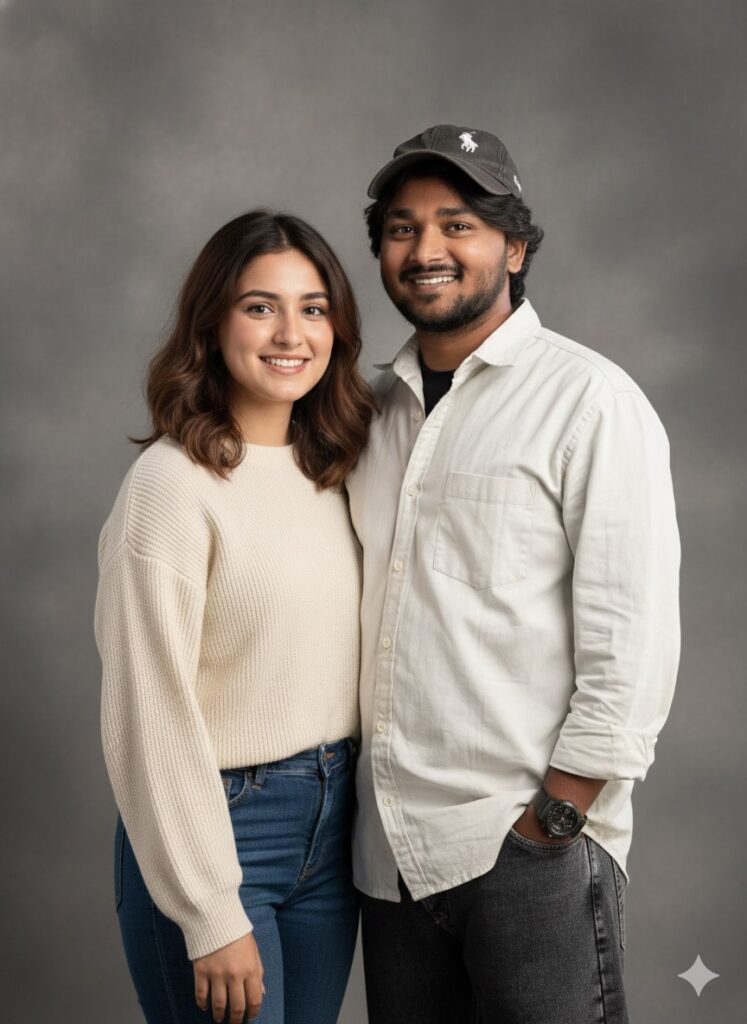
- “Create a 100% realistic couple portrait using the uploaded male reference photo. Add a young woman next to him with natural hair, soft skin, and a warm smile. Both are in casual studio clothes, frontal pose, soft box lighting, smooth shadows, 4K DSLR-quality realism. Make them look naturally connected and romantic.”
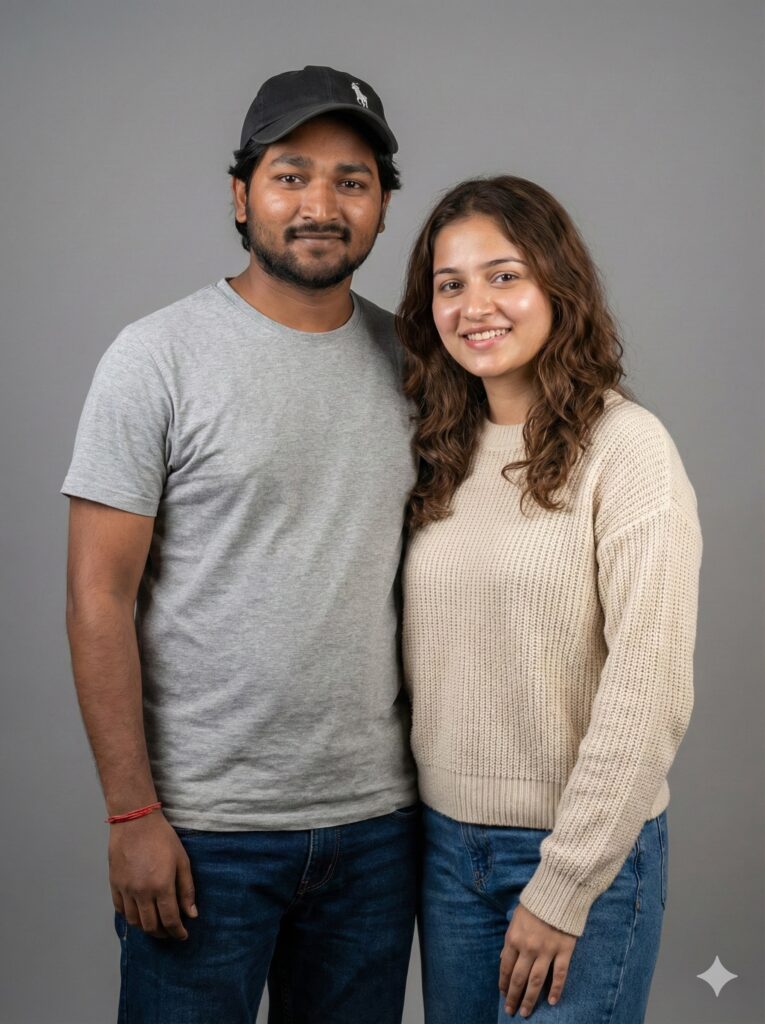
- “Generate a couple studio photo with the male reference uploaded. Female should have elegant hair, subtle makeup, and soft skin. Pose naturally, shoulders aligned, smiling at the camera. Studio background, cinematic soft lighting, ultra-realistic 4K photo.”
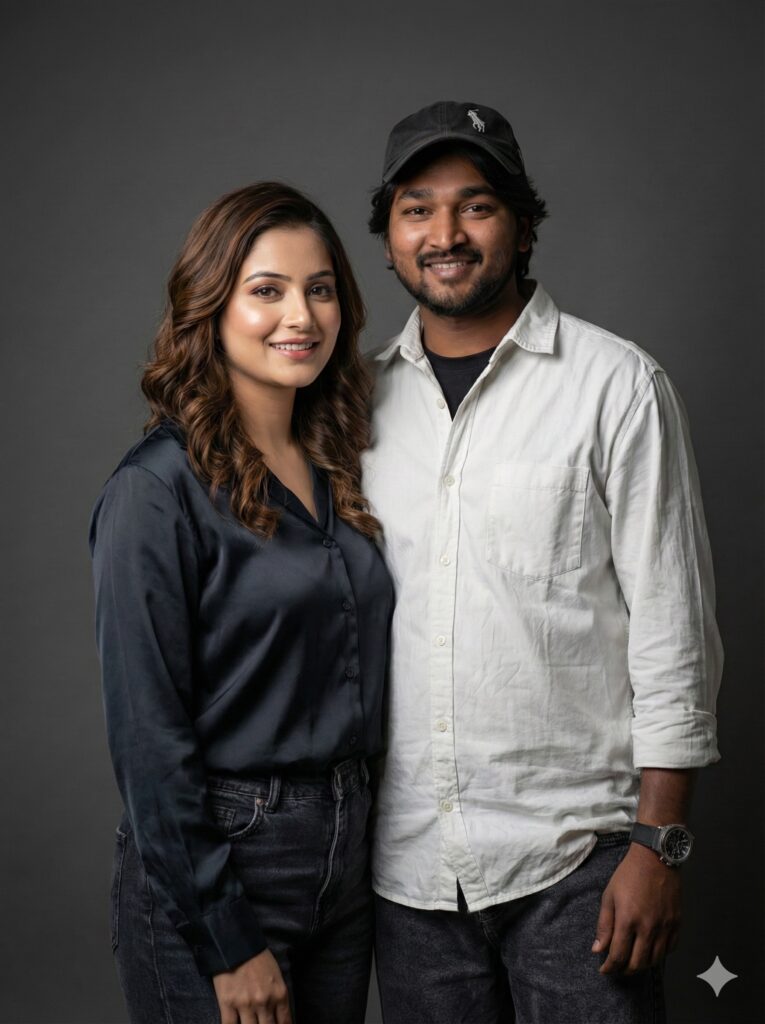
- “Using the uploaded reference face, create a realistic indoor couple portrait. The girlfriend 18 year old should have long hair, natural tone makeup, wearing casual chic clothes. Soft warm lighting, high detail, subtle depth of field, realistic skin textures, and harmonious composition.”
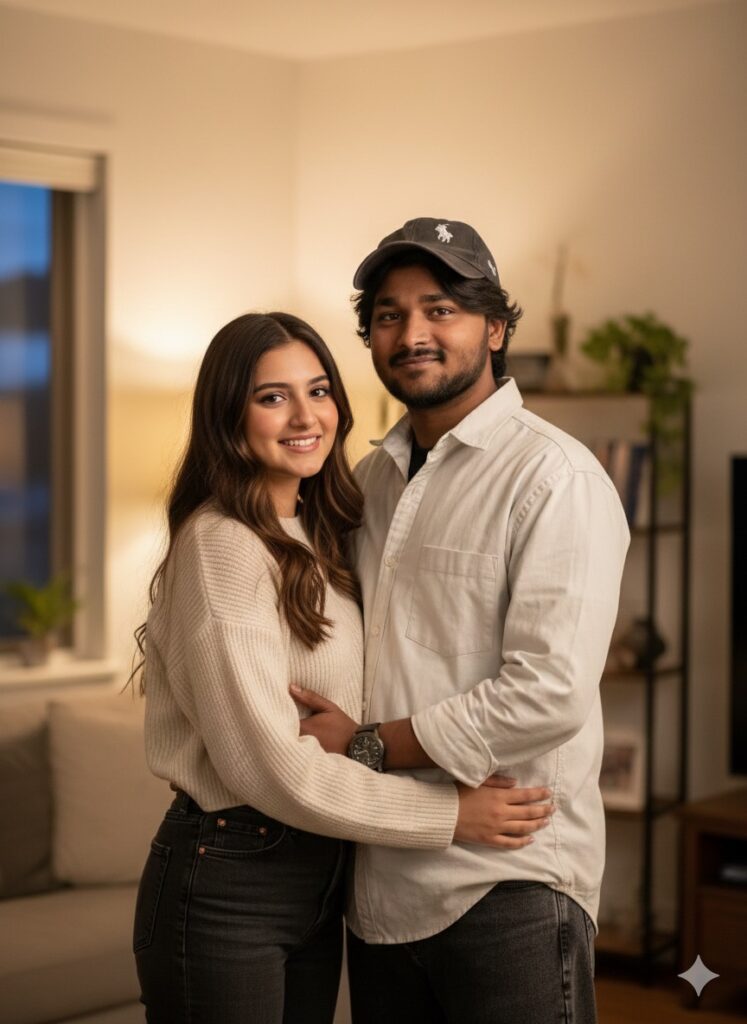
- “Make a realistic couple studio photo. Male is from the reference photo. Add a girlfriend 18 year old with a soft smile, expressive eyes, medium-length hair, casual attire. Soft cinematic lighting, subtle shadowing, natural skin tones, ultra-HD.”
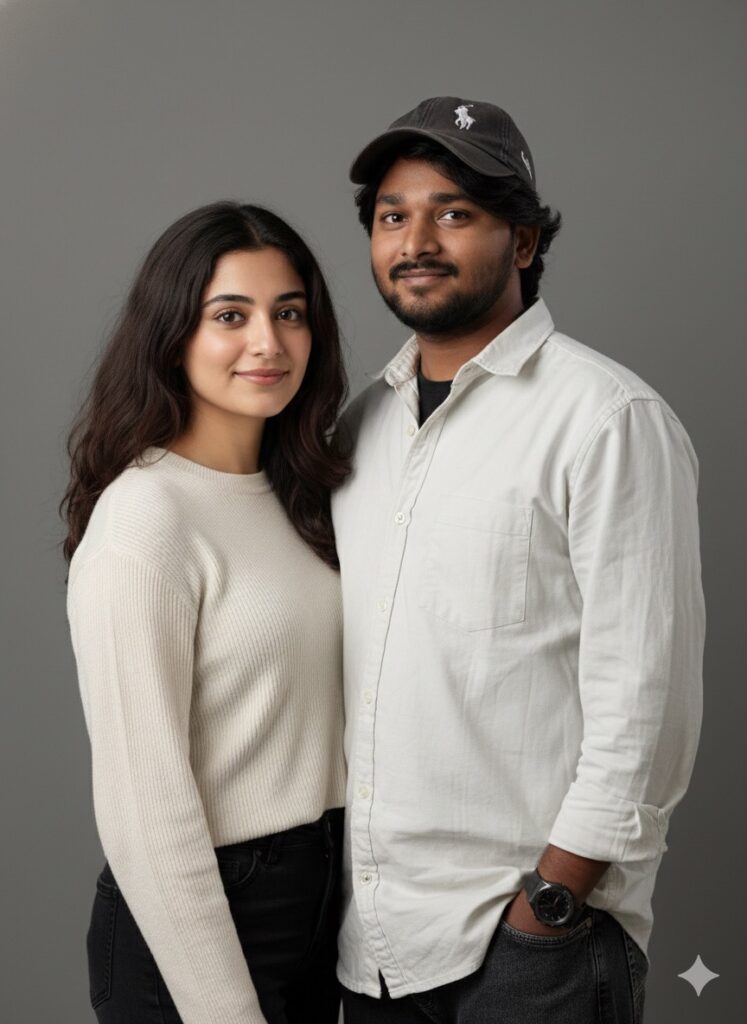
- “Generate a romantic studio couple photo. Male reference uploaded. Female 18 year old partner should have soft glowing skin, natural hair color, smiling. Both looking at the camera, smooth lighting, soft background blur, 4K realistic style.”
Outdoor & Nature Style
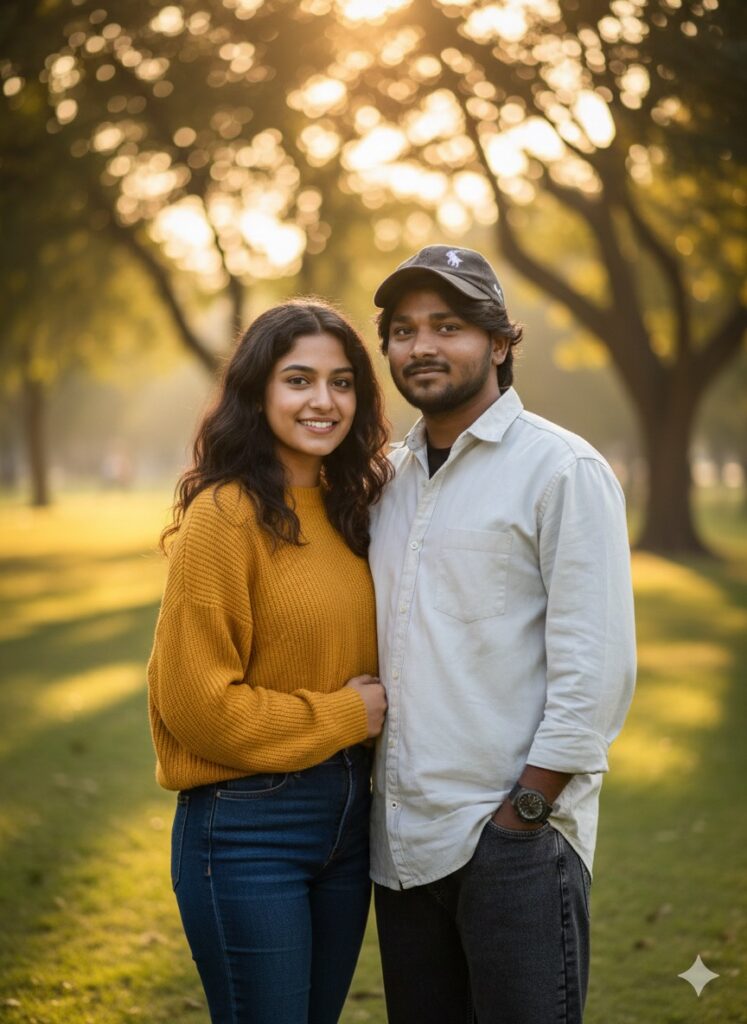
- “Create a realistic outdoor couple photo using the uploaded male reference. Add a girlfriend 19 year old standing next to him, natural hair, casual outfit. Scenic park background with golden hour lighting, soft bokeh, realistic shadows, and ultra-realistic skin tone matching.”
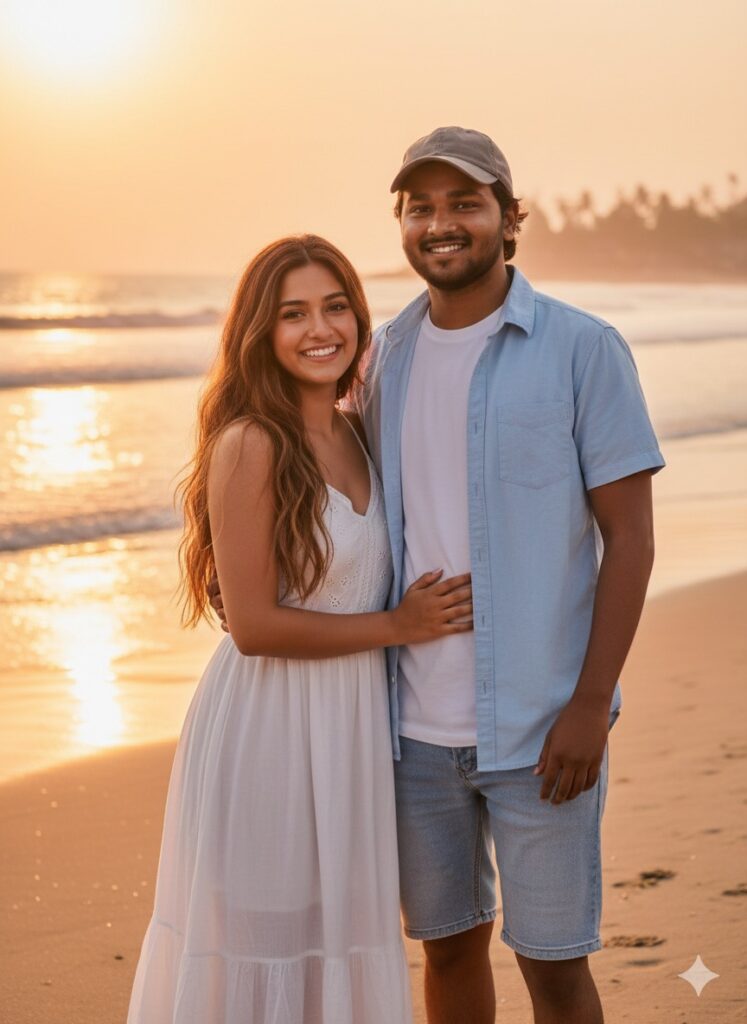
- “Generate a couple photo at the beach using the male reference. Female 18 year old has natural hair, sun-kissed skin, wearing summer clothes. Both smiling naturally, sunlight reflection, cinematic shadows, ultra-realistic 4K detail.”
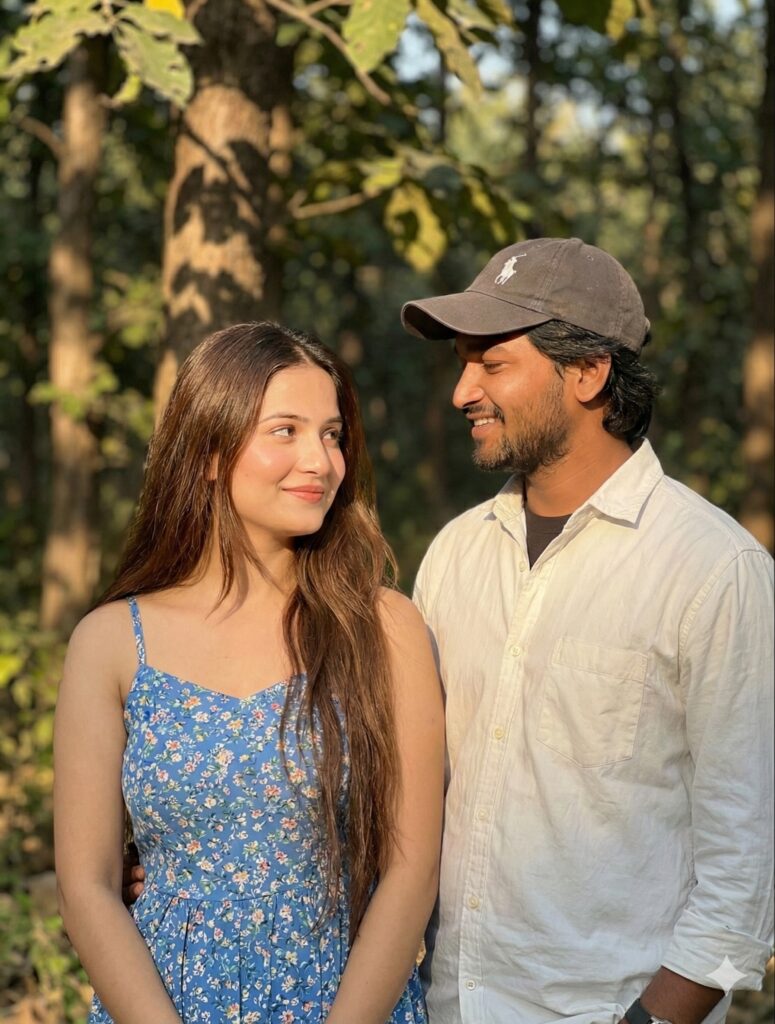
- “Using the reference male face, create a realistic outdoor couple photo. Female has flowing hair, soft smile, casual summer dress. Forest background, natural sunlight, cinematic depth of field, harmonious skin tones, photorealistic style.”
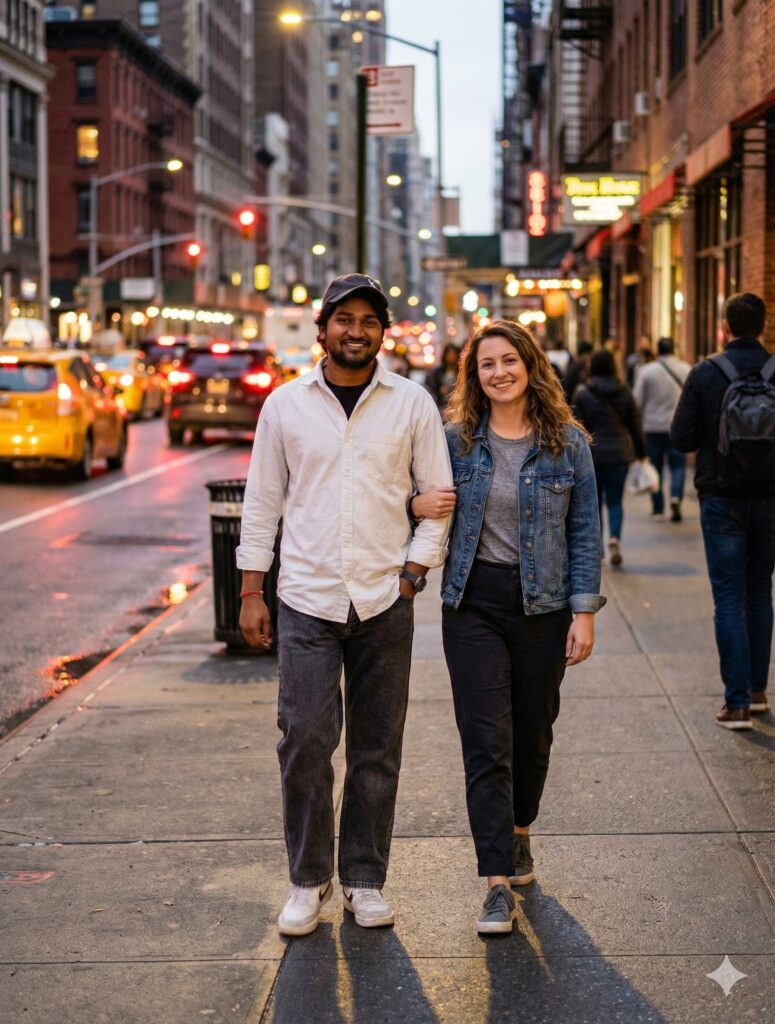
- “Make a realistic city street couple photo. Male from reference uploaded. Female wearing casual urban outfit, natural hair, friendly expression. Evening lighting, realistic shadows, urban bokeh, high-resolution 4K realism.”
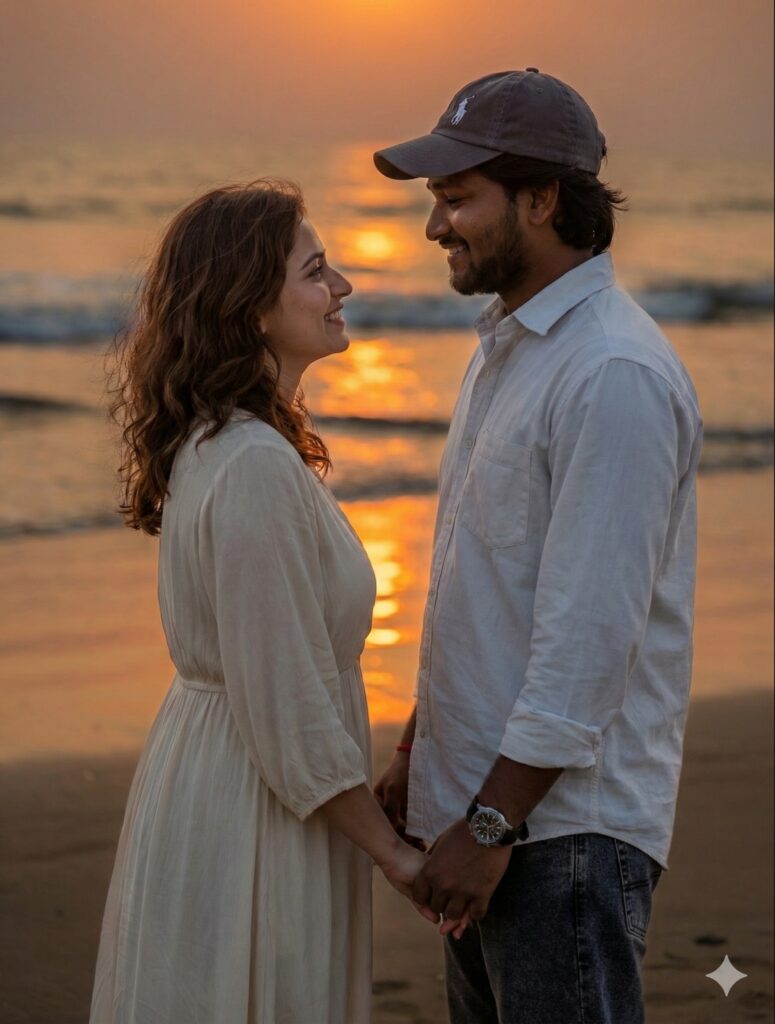
- “Generate a romantic sunset couple photo with uploaded male face. Female 18 year old partner with soft wavy hair, warm smile, casual chic dress. Background: sunset sky with light reflections, soft cinematic lighting, ultra-realistic details.”
Casual & Lifestyle Style
- “Create a realistic lifestyle couple photo using the uploaded male reference. Add a girlfriend casually sitting beside him, natural hair, soft skin, smiling. Indoor coffee shop background, warm tones, soft shadows, 4K photorealistic style.”

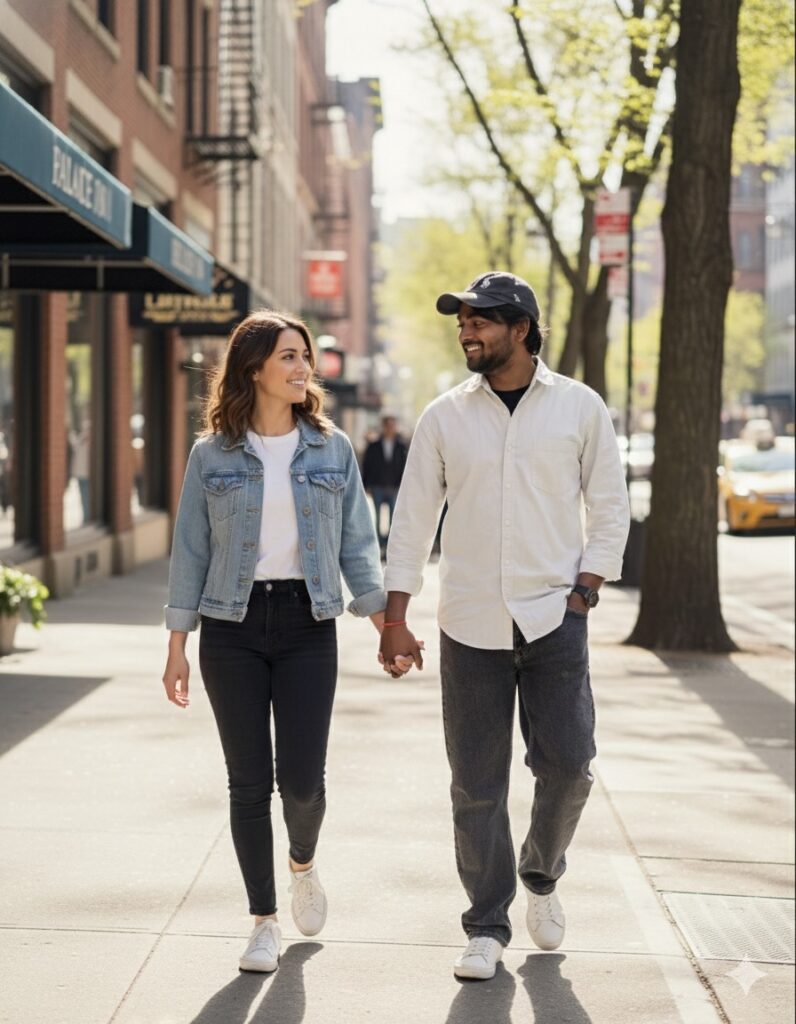
- “Generate a couple photo casually walking together. Male from reference, female partner natural hair, casual clothes. Street background, daytime natural light, realistic shadowing, cinematic lens effect, 4K realism.”
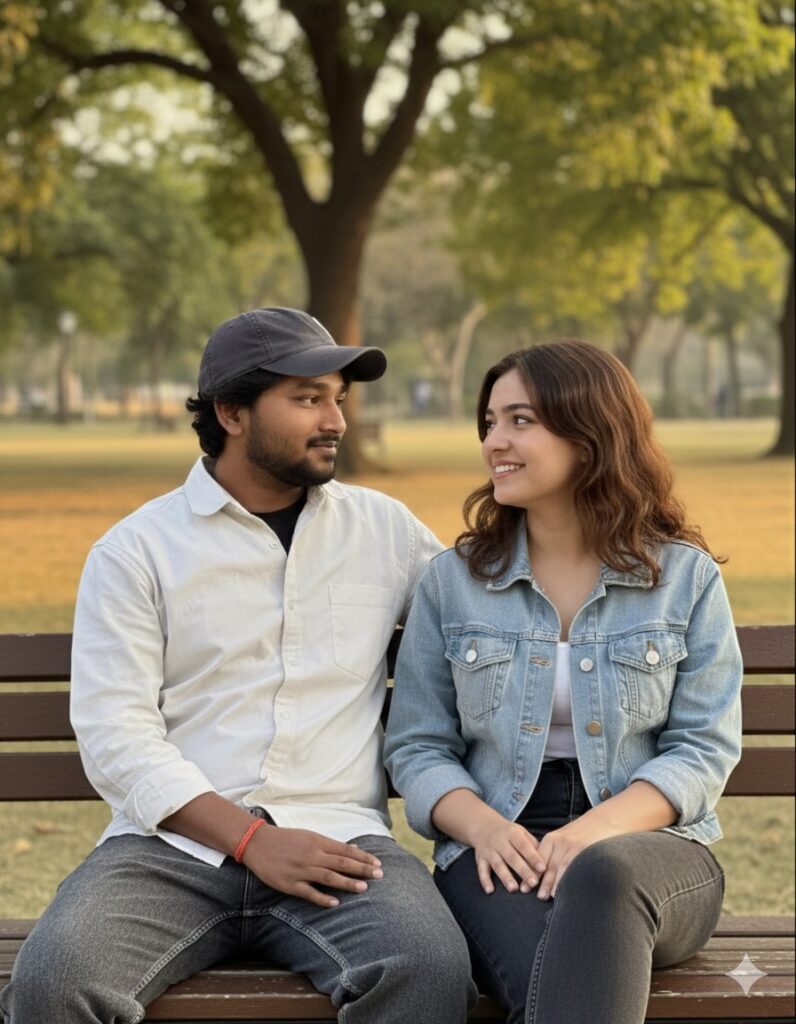
- “Using uploaded male reference, make a realistic couple photo. Female partner sitting on a bench, natural hair, casual outfit, smiling naturally. Park background, warm sunlight, subtle depth blur, ultra-realistic skin textures.”
- “Generate a home-style couple photo. Male from reference, female with medium-length hair, natural makeup, wearing casual clothes. Cozy indoor background, soft shadows, natural lighting, 4K high-resolution realism.”
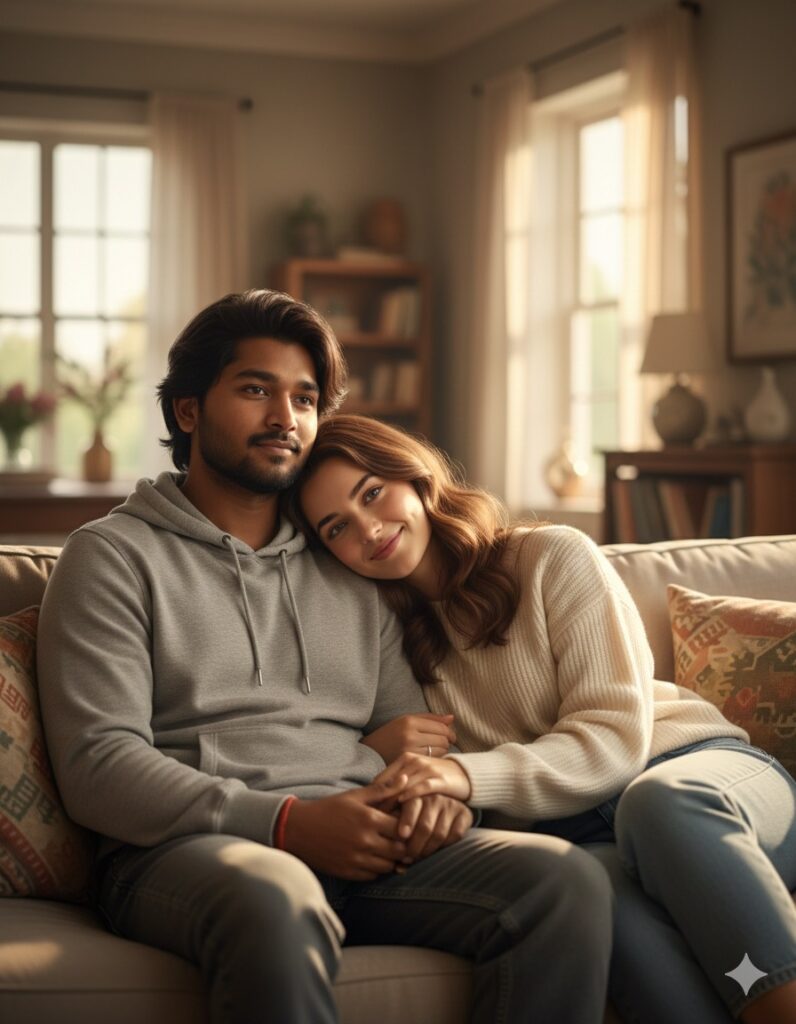
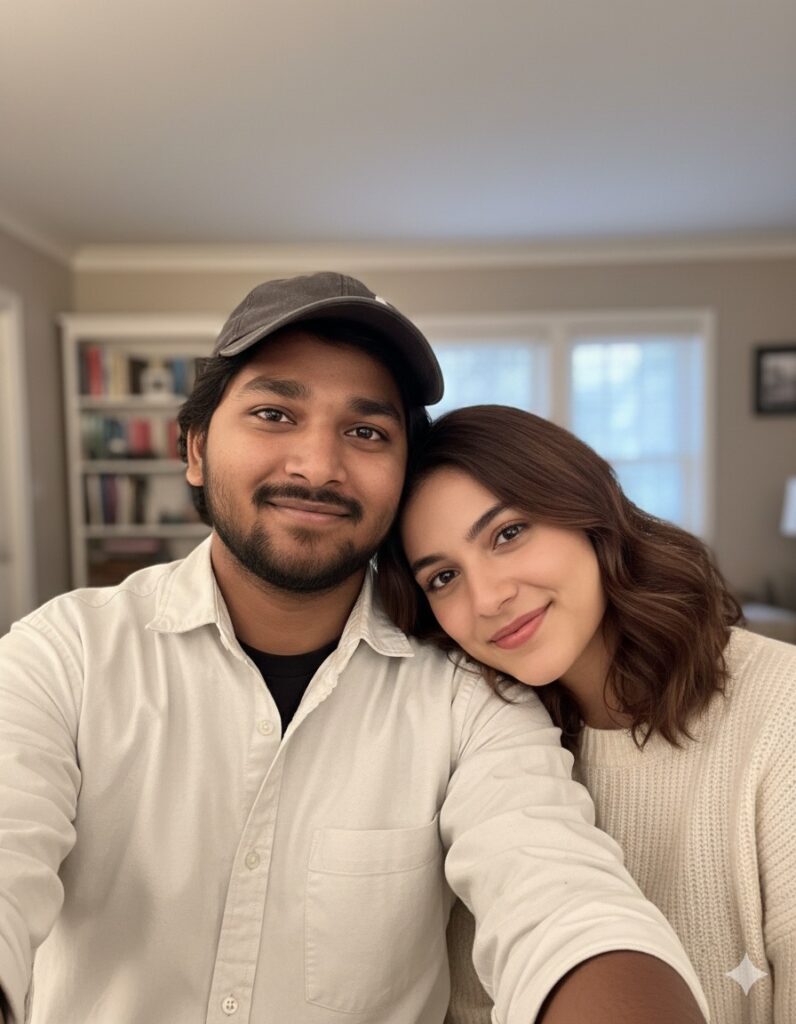
- “Create a casual couple selfie-style photo. Male uploaded reference, female partner with soft smile, natural hair, casual outfit. Neutral indoor background, realistic light reflection, ultra-HD detail, natural skin tones.”
Cinematic & Romantic Style
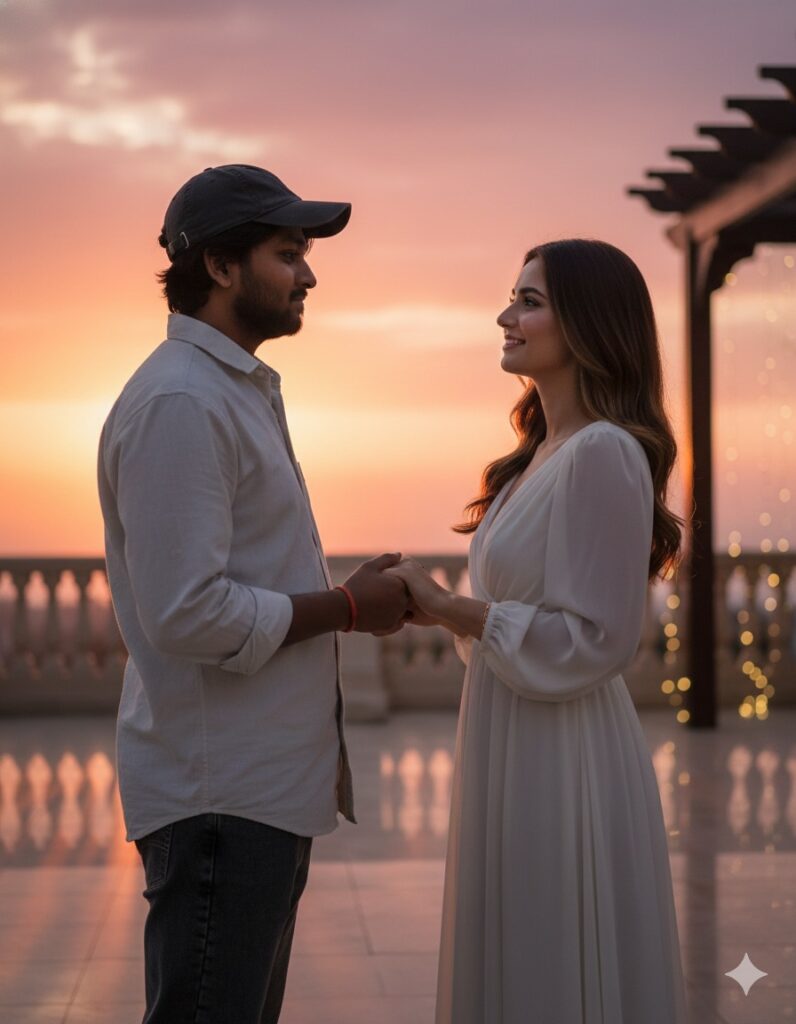
- “Generate a cinematic couple photo with male from reference. Female partner with flowing hair, gentle smile, elegant outfit. Background: romantic sunset terrace, soft cinematic shadows, subtle bokeh, ultra-realistic 4K style.”
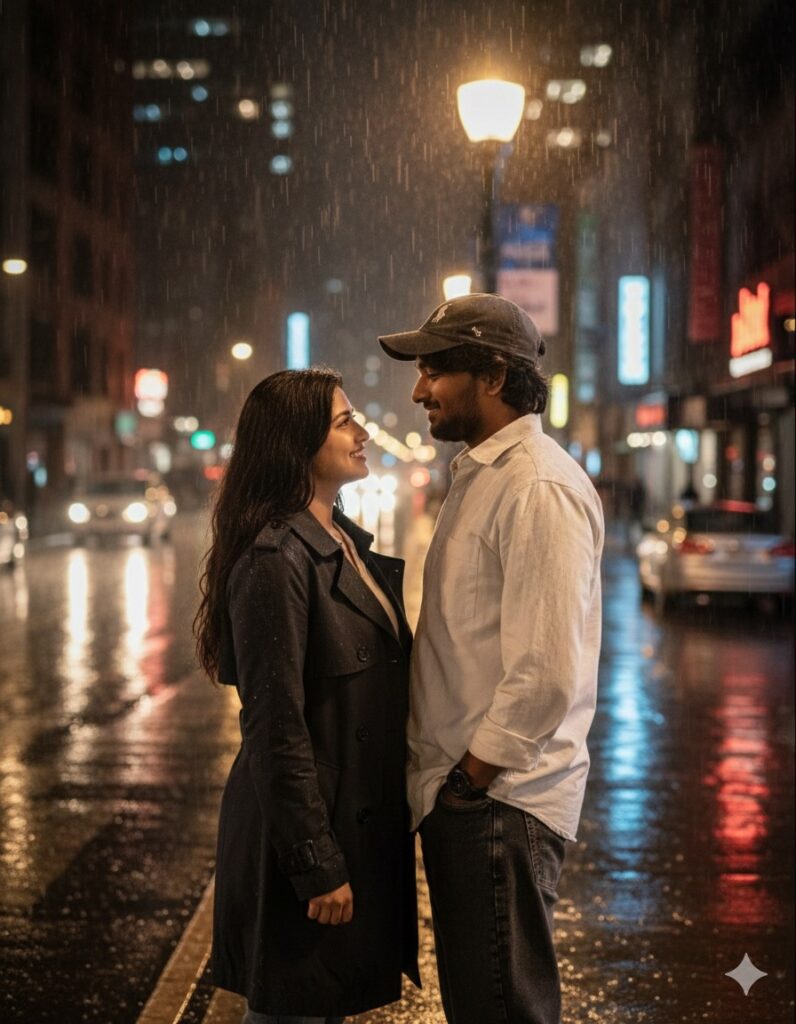
- “Create a dramatic romantic couple photo. Male from uploaded photo, female partner natural hair, soft skin, smiling. Background: rainy city street at night, reflections, cinematic lighting, realistic textures, ultra-realistic 4K quality.”
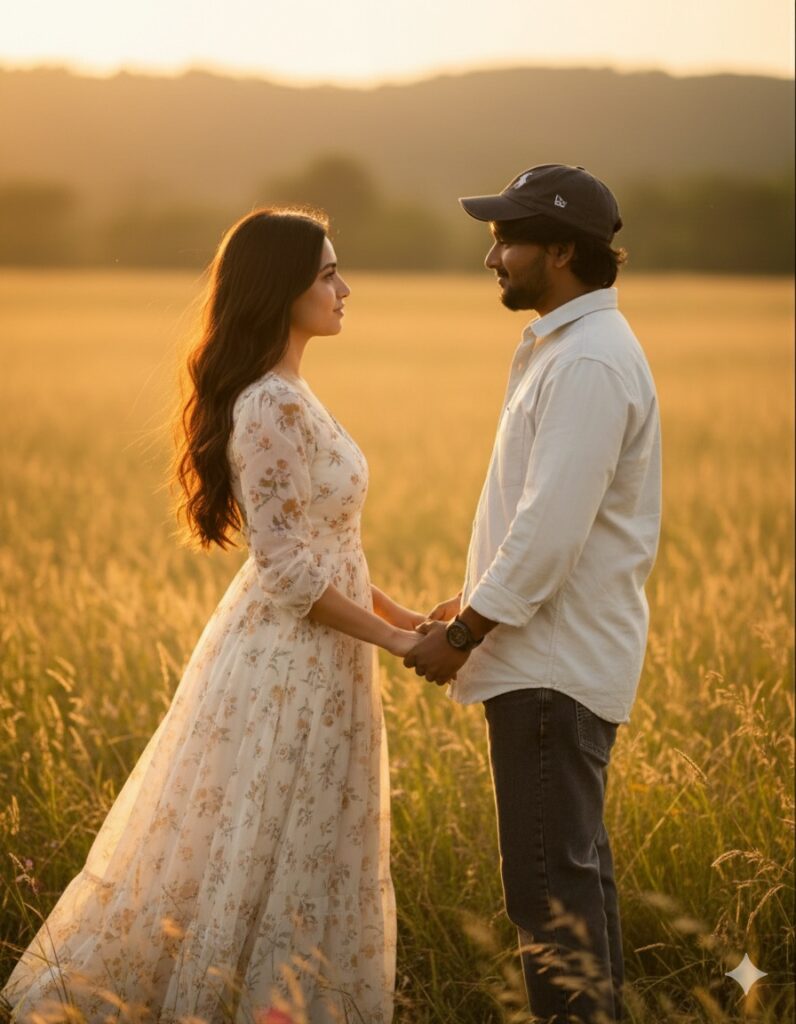
- “Using uploaded male reference, generate a couple photo with female partner in flowing dress, natural hair, romantic expression. Meadow field background, golden hour lighting, cinematic depth, photorealistic style.”
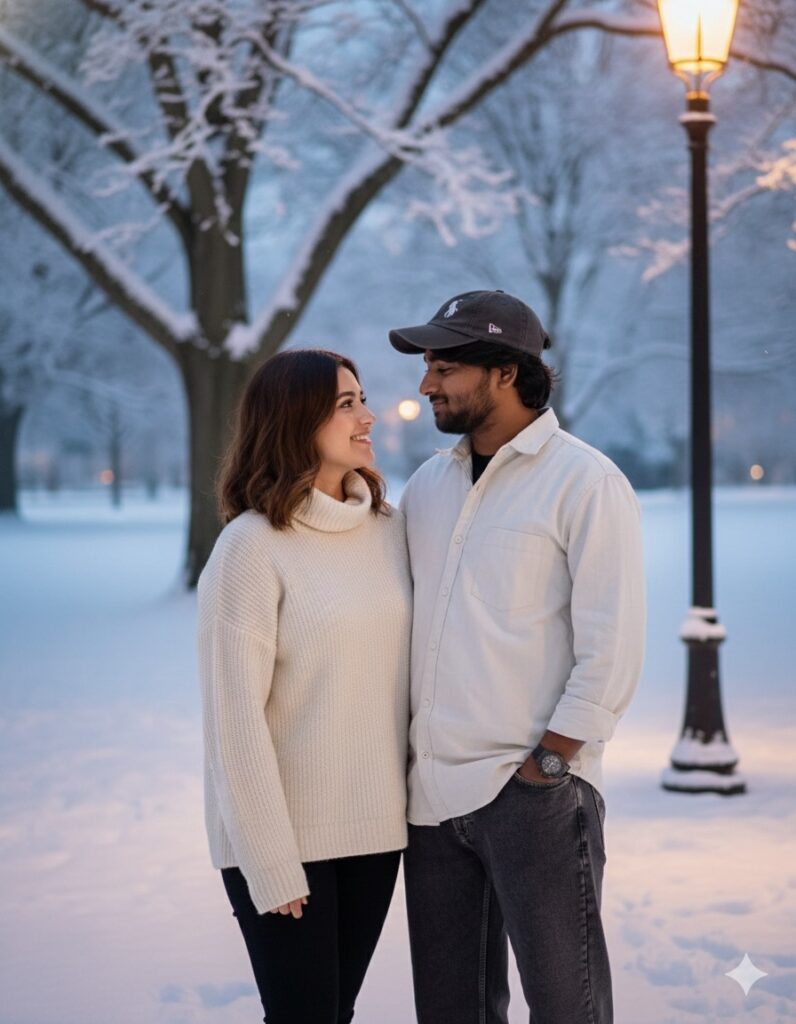
- “Make a romantic couple photo in winter setting. Male from reference, female partner with natural hair, cozy sweater, warm smile. Snow-covered park, soft shadows, realistic reflections, cinematic 4K ultra-HD style.”
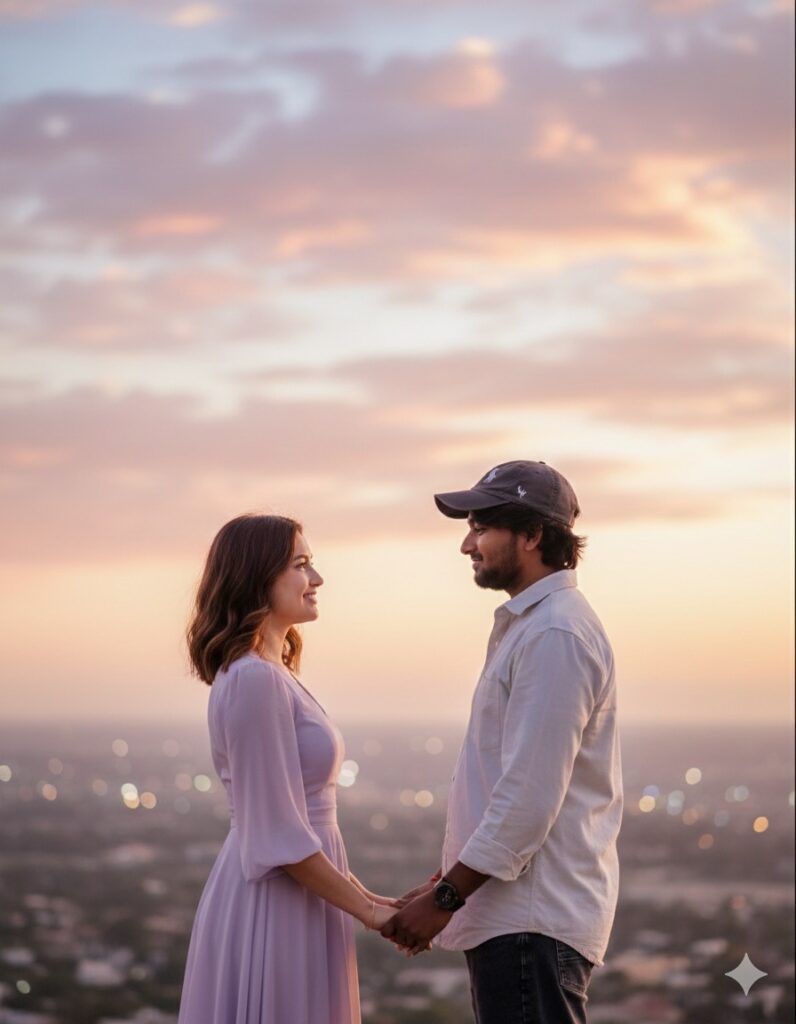
- “Generate a dreamy cinematic couple portrait. Male uploaded reference, female with soft natural hair, gentle smile, semi-formal outfit. Background: pastel sky, subtle clouds, soft bokeh, harmonious skin tones, ultra-realistic rendering.”
🔥 Sample Prompt (You Can Replace with Your Own Later)
(You said you will paste your prompt later — so this is just an example you can replace.)
Prompt Example:
“Create an ultra-realistic AI girlfriend photo. A cute, beautiful young girl with soft skin, expressive eyes, natural smile, and smooth hair. She is standing outdoors during sunset with cinematic warm lighting. Add DSLR depth of field, soft bokeh background, and high-resolution portrait style. Make the photo aesthetic, realistic, and emotional.”
Paste this into Gemini.
Within seconds, you’ll get multiple girlfriend photos.
STEP 4 — Check the Image & Make Corrections
If you want changes, simply type:
- “Make her smile more naturally.”
- “Change outfit to Indian traditional saree.”
- “Make background brighter.”
- “Add studio lighting.”
- “Make the hairstyle straight and smooth.”
- “Increase detailing in eyes.”
Gemini will regenerate until the photo looks perfect.
STEP 5 — Download the Final Image
Once satisfied:
- Tap the image
- Press Download
- Save it in your gallery
- Now you can use it anywhere
⭐
Pro Tips to Make Your AI Girlfriend Photos Look More Real
✔ 1 — Use detailed lighting descriptions
Example: “soft rim light | cinematic warm tone | 4K sharpness”
✔ 2 — Add emotional expressions
AI reacts strongly to emotion words.
✔ 3 — Avoid too many details in one prompt
Keep prompts clean and structured.
✔ 4 — Try different angles
“close-up portrait”, “mid-shot”, “full body shot”
✔ 5 — Use correction prompts
Fix hair, clothes, background, lighting easily.
⭐
Common Mistakes to Avoid
❌ Too many instructions → AI gets confused
❌ Unclear background → messy results
❌ No lighting description → flat image
❌ Low-quality adjectives → unrealistic photos
❌ Over-stylizing → looks fake or anime-ish
Always use clear and balanced prompts.
⭐
Final Thoughts
Creating AI girlfriend photos using Gemini is extremely easy once you understand how prompts work. You don’t need editing skills, professional cameras, or Photoshop. Just a simple, well-written prompt can generate beautiful, realistic girlfriend photos instantly.